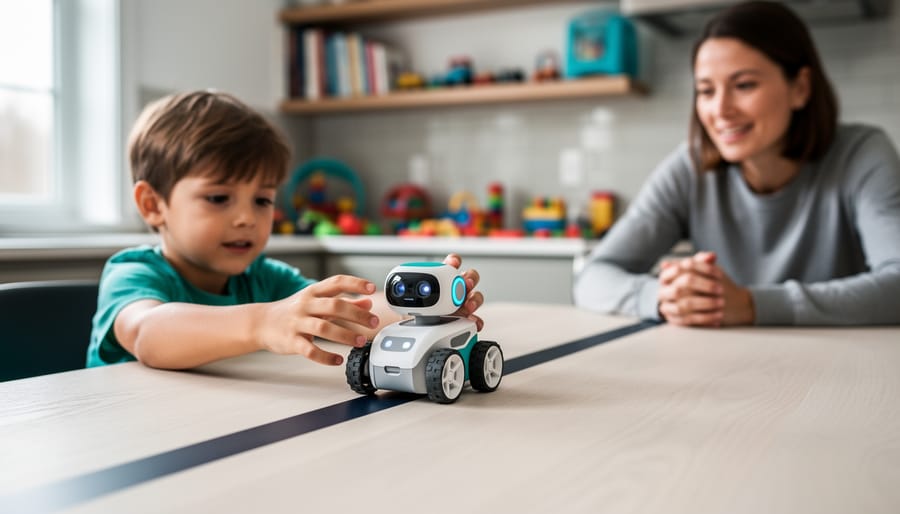
Yes, coding robots are worth buying for most kids in kindergarten through grade 8, as long as you pick a system that gets your child making something within minutes instead of one that parks a stack of parts on the shelf. The reason is simple. A robot turns abstract logic into something a child can watch roll across a table, take a wrong turn, and get fixed. A bug stops being a grade and becomes a small, funny mystery.
The question for Canadian parents isn’t whether the idea works. It’s which kind fits your child, and whether you’ll spend money on something that lasts past the first weekend. Ozobot, which says its educational robots are built for grades K to 8 and need no complicated setup or prior experience, is one of the easier on-ramps we looked at. Wonder Workshop takes a different route, pairing virtual and physical robots in one coding solution. Both approaches have real strengths, and they suit different kids.
We approached these products by asking what a child would actually do with one, not just what the box promises, relying on the manufacturers’ published descriptions and specifications rather than hands-on testing. Below, we cover who each style suits and how the value holds up. We also flag what we couldn’t confirm, including warranty and return terms, so you know where to double-check before buying.
The Short Answer: When a Coding Robot Earns Its Place on the Shelf
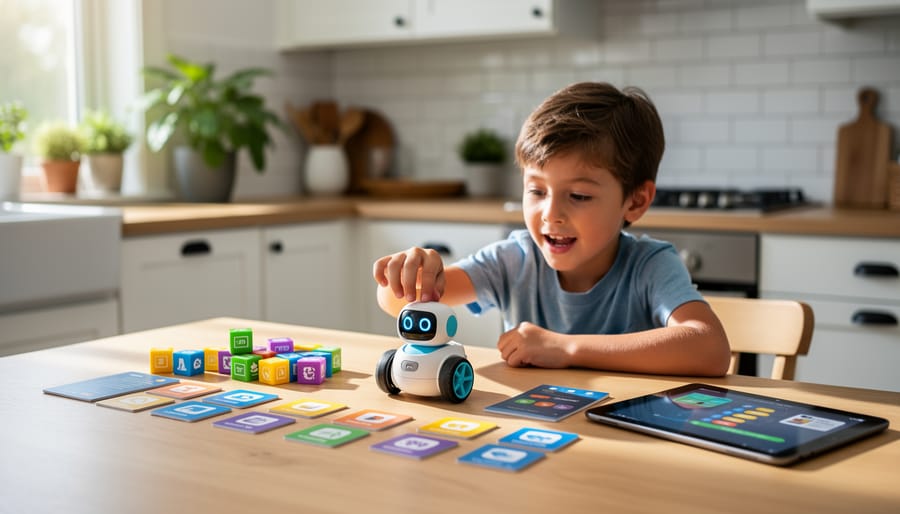
Here’s our verdict, plainly: a coding robot is worth buying for a curious child somewhere in the K, 8 range, as long as the robot is easy to start and the child has a reason to keep playing. It is not worth buying as an impulse gift for a kid who shows no interest in screens or tinkering. That robot will become a very small, very expensive paperweight.
Think of it as a gateway toy. It opens a door to sequencing, cause and effect, and the quiet thrill of telling a machine what to do and watching it obey. It does not replace school, and it does not promise a future engineer. What it can do is turn “I wonder how that works” into an afternoon of testing, tweaking, and trying again.
Ease of starting matters more than any feature list. Ozobot, for example, says its robots need no complicated setup or prior experience, and that is the kind of low-friction start that keeps a child engaged past the first hour. When a robot demands an evening of fiddling before anything happens, enthusiasm tends to drain away.
For skimmers, here is a quick pick by age:
– Early primary (around K, 2): Favour simple, screen-light robots that teach sequencing through colour, cards, or lines.
– Middle primary (around 3-5): Look for friendly block-based coding with plenty of guided challenges.
– Upper grades (around 6-8): Choose a robot with a path from blocks toward text-based coding, so the toy grows with the child.
Who Coding Robots Are For (and Who Can Skip Them)
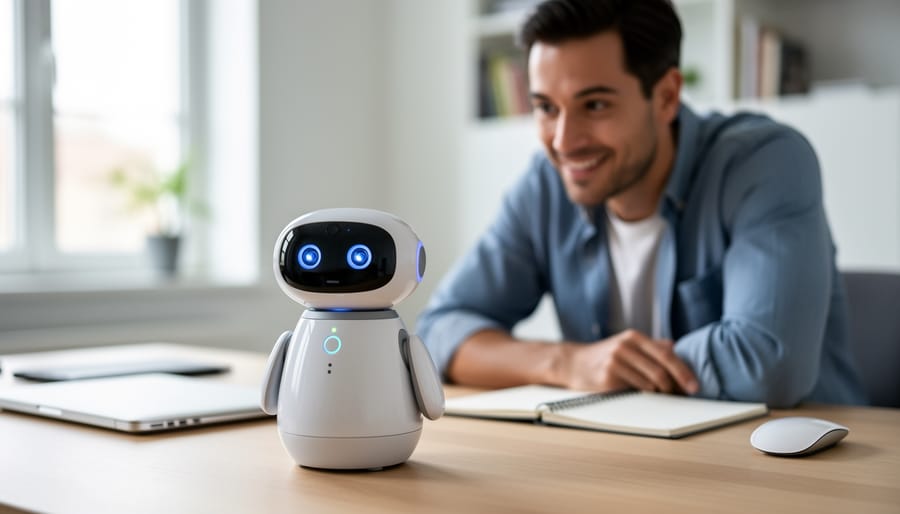
Matching the Robot to the Child’s Age
Age fit is where most coding robot purchases go right or wrong. Ozobot, for example, says its educational robot system is designed for grades K, 8. That range tells us something useful: a good robot should start simple and get harder as the child does. A five-year-old can follow colored lines, while a twelve-year-old moves on to more demanding challenges. The same toy earns its keep for years instead of weeks.
Age ranges vary by brand, though, so check each manufacturer’s stated range before you buy. Younger children often arrive through hands-on play like preschool science experiments, and that curiosity transfers nicely to a robot that rewards patient tinkering.
- Kids who love puzzles, mazes, and “what happens if” questions get the most from a progression robot.
- Households with a patient adult for the first sessions see faster, happier starts.
- Families wanting years of use benefit from robots that grow from simple to complex.
- Children already deep into a coding platform may do better with free software alternatives.
- Families short on time may prefer cheaper or free options before committing.
The Screen-Time and Patience Question
Before you buy, ask what the robot needs in order to run. Some, like Ozobot’s marker-line play, can start with very little setup. Others lean on a tablet or computer for block coding, and Wonder Workshop’s solution pairs virtual and physical robots, so a screen is part of the deal. Decide whether that suits your house rules.
Then ask how much of the first hour you’re willing to give. Opening sessions often go best with an adult nearby to read instructions and untangle the first stumble. Ozobot says its robots need no complicated setup or prior experience, which is encouraging, but a parent still shapes that first success.
Finally, read your child. Do they shrug off a failed attempt and retry, or does one wrong turn end the game? A kid who tolerates trial and error will love debugging. A kid who crumbles quickly may need a simpler, more forgiving robot, or a parent sitting beside them for a few sessions.
Price and Value: What You Actually Pay For
Price tags on coding robots tell only half the story. The real question is what a family gets for each dollar once the novelty fades. Ozobot is currently listing its “Ozo at Home” robot at $79, marked as saving $20, which is a useful reference point for the entry end of the market. Prices move, though, so Canadian buyers should confirm the current price, the currency shown, and shipping costs at checkout before committing.
What drives value is rarely the sticker price. A robot that supports reusable lessons earns its keep over months instead of one rainy weekend. Ozobot, for instance, says its Classroom lessons span math, science, ELA, social studies and more, and that its system is designed for grades K, 8, so one purchase can stretch across several school years. Durability matters just as much, because a toy that survives a few dozen tumbles off the kitchen table keeps teaching. Ask, too, whether the kit works on its own or whether you’ll need extra accessories, add-on packs, or a compatible device.
Our approach was to compare options on those value dimensions rather than on price alone. The table below includes only what the makers themselves state, and anything we couldn’t confirm is flagged for you to check.
| Option | Verified details | Everything else |
|---|---|---|
| Ozobot | Grades K, 8; no complicated setup or prior experience; FERPA and COPPA compliant | Check the maker’s current listing |
| Wonder Workshop | Virtual and physical robots in one coding solution | Check the maker’s current listing |
| mBot2 | Block coding with a path to Python | Check the maker’s current listing |
| BBC micro:bit V2 | Programmable board alternative | Check the maker’s current listing |
Warranty and returns terms weren’t confirmed in the research behind this piece, so check those with the retailer before you buy. A few minutes of reading can matter more than any discount, and it’s a habit as useful as understanding human genetics is to making sense of what we inherit: you only know what you’re getting when you look closely.
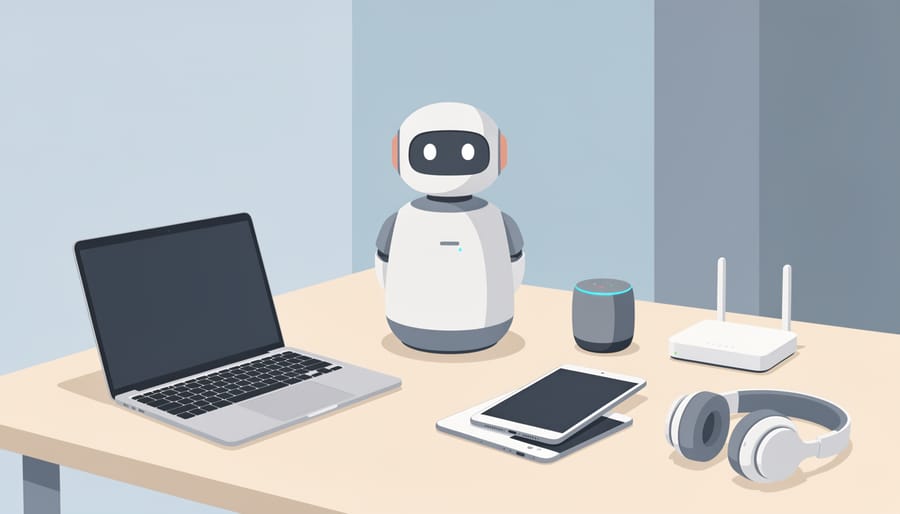
How the Leading Options Perform in Real Use
Ozobot: Low-Friction Starts and Classroom Roots
Ozobot’s pitch is built around low friction. The company says its classroom robots are ready to use with no complicated setup or prior experience required, and that its system is designed for students in grades K, 8. That matches what we’d want from a first robot: something a child can start with before anyone has to learn a platform.
The classroom credentials are also worth a look. Ozobot says its lessons span math, science, ELA, social studies and more, that it’s used in 10,000+ schools, and that 50,000 educators trust it every day. It also says its products are FERPA and COPPA compliant.
Here’s what those statements do and don’t tell you. They’re the company’s own claims, so treat them as a starting point, not independent proof. They suggest a mature, teacher-friendly product with room to grow across subjects. They don’t tell you whether your child will stay curious past the first week, how your home devices will behave, or what a given privacy policy says in detail. Read that policy yourself.
Wonder Workshop, mBot2, and the ‘Grow With Them’ Options
Some children want a win in the first ten minutes; others want a puzzle that keeps unfolding for years. That split is the real dividing line between Wonder Workshop and mBot2.
Wonder Workshop says it offers a coding and robotics solution built around both virtual and physical robots. In our reading of that approach, a child can experiment on screen first and then bring the same thinking to a robot on the floor. That suits the kid who wants quick, visible results. mBot2 takes the longer road, moving from block coding to Python, though you should check the current listing for its exact hardware and features.
Pros
- A beginner-friendly robot gets a child playing quickly, with little frustration.
- Pairing virtual and physical robots lets a child practise ideas before touching hardware.
- mBot2’s block-to-Python path gives an older child real room to grow.
- Built-in sensors open up projects far beyond simple driving.
Cons
- A simpler robot may feel limiting once a child’s skills outpace it.
- A sensor-rich robot asks for more patience and adult help at the start.
- The richer the robot, the more time a family needs to explore it properly.
Our verdict is simple. Choose the approachable option for a younger or easily discouraged child. Choose mBot2 for a tinkerer who will keep pushing. Either one can feed a project, and if your child likes building things, browse these science fair ideas for places to point a robot’s new skills.
How We Tested: Judging Coding Robots Without the Hype
We built this verdict on a simple principle: judge the claims before you judge the robot. Our assessment draws on manufacturers’ stated specifications and product information, not our own hands-on trials or observations of children using the robots, and we’d rather say so than dress it up as something grander.
Six criteria guided us. Age fit: does the maker’s stated range match the child? Setup complexity: does “ready to use” survive scrutiny? Curriculum alignment: are there lessons beyond a novelty demo? Software requirements: what devices does it quietly demand? Safety and privacy: what does the company actually promise about children’s data? Support: who helps when something goes wrong?
When a brand says its robots need no complicated setup or prior experience, we treat that as a claim to check, not a fact to repeat. The same goes for a statement like being FERPA and COPPA compliant. It tells you something, but it’s the company speaking, and it’s worth reading the policy yourself.
Here is a repeatable checklist for a store shelf or a product page:
- Confirm the manufacturer’s stated age or grade range, and decide whether your child sits comfortably inside it or at the edge.
- Check device requirements: does it need a tablet, a phone, or a computer, and do you already own a compatible one?
- Look at the lesson library for subjects and difficulty that can grow with your child.
- Read the privacy statement for how children’s data is handled.
- Ask about warranty and returns before you pay, and get the answer in writing.
- Plan a first-week activity so the robot gets used rather than shelved.
Skip step five and you’re trusting a promise nobody has shown you.
What Canadian Parents Should Check Before Buying
Canadian families run into a few extra questions that a product page rarely answers, so it helps to check them before the box ships.
Start with the checkout screen. Confirm the price is shown in Canadian dollars, and see what shipping and any duties add before you commit. Prices and offers change, so treat the number you see today as a snapshot rather than a promise.
Next, look at your own devices. Some robots rely on a tablet or computer for their coding software, while others lean on physical play. Wonder Workshop, for instance, pairs virtual robots with physical ones, so check what operating systems and apps your household actually has before you buy.
Privacy deserves a slow read. Ozobot states that its products are FERPA and COPPA compliant, and those are US frameworks. That’s reassuring, but Canadian parents may still want to read each company’s privacy policy to see what data is collected and how it’s handled.
Then think about school. Ozobot says its lessons span math, science, ELA, social studies and more, and its system is designed for grades K, 8. Ask your child’s teacher what’s covered in class, so the robot reinforces what they’re already meeting instead of duplicating it.
Finally, keep that written confirmation somewhere safe. If the robot arrives and your child shrugs at it, you’ll be glad you asked.
Common Questions About Coding Robots for Kids
At what age can kids start coding with a robot?
It depends on the product. Ozobot designs its educational robot system for grades K, 8, so early elementary children can begin with color-based play while older kids move on to more advanced coding. Always confirm the stated age range for any specific robot.
Do kids need a tablet or computer?
Often, yes, though it varies by brand. Wonder Workshop pairs virtual and physical robots, so a device is part of the experience, while some simpler options lean on physical play. Check each product’s requirements before you buy.
Can a coding robot replace classroom learning?
No. Think of it as a gateway toy that makes sequencing and logic feel like play, not as a stand-in for a teacher or a curriculum. It works best alongside what your child is already learning.
Are coding robots safe for kids’ data?
Ozobot states that its products are FERPA and COPPA compliant. Canadian parents should still read each company’s privacy policy, since a vendor’s own statement is a starting point, not a final answer.
Cheaper options can be enough, and that’s the honest answer to the question most parents are really asking. If your child mostly wants to experiment, a simple robot or even a free coding app will scratch that itch, much like the hands-on curiosity behind spooky science experiments doesn’t require expensive gear. Spend more only when your child has shown sustained interest and the robot offers room to grow.
Back at the kitchen table, the little robot is still tracing its marker line, and your child is still leaning over it, certain they made it do that. That moment is the whole case for coding robots for kids. They’re worth it when the robot fits the child’s age and patience, and when someone plans to actually use it, with a few minutes of shared play and a project or two to chase.
Skip the impulse gift for a child who shrugs at screens and gadgets. Choose carefully for a child who loves to tinker, and a robot can turn curiosity into a habit of thinking in steps.
So before you buy, ask yourself what you want this little machine to spark: patience with a stubborn puzzle, a love of building, or simply the thrill of saying “I made it move”?